
Best AC Settings for Samui's Humidity: Dry Mode vs Cool Mode
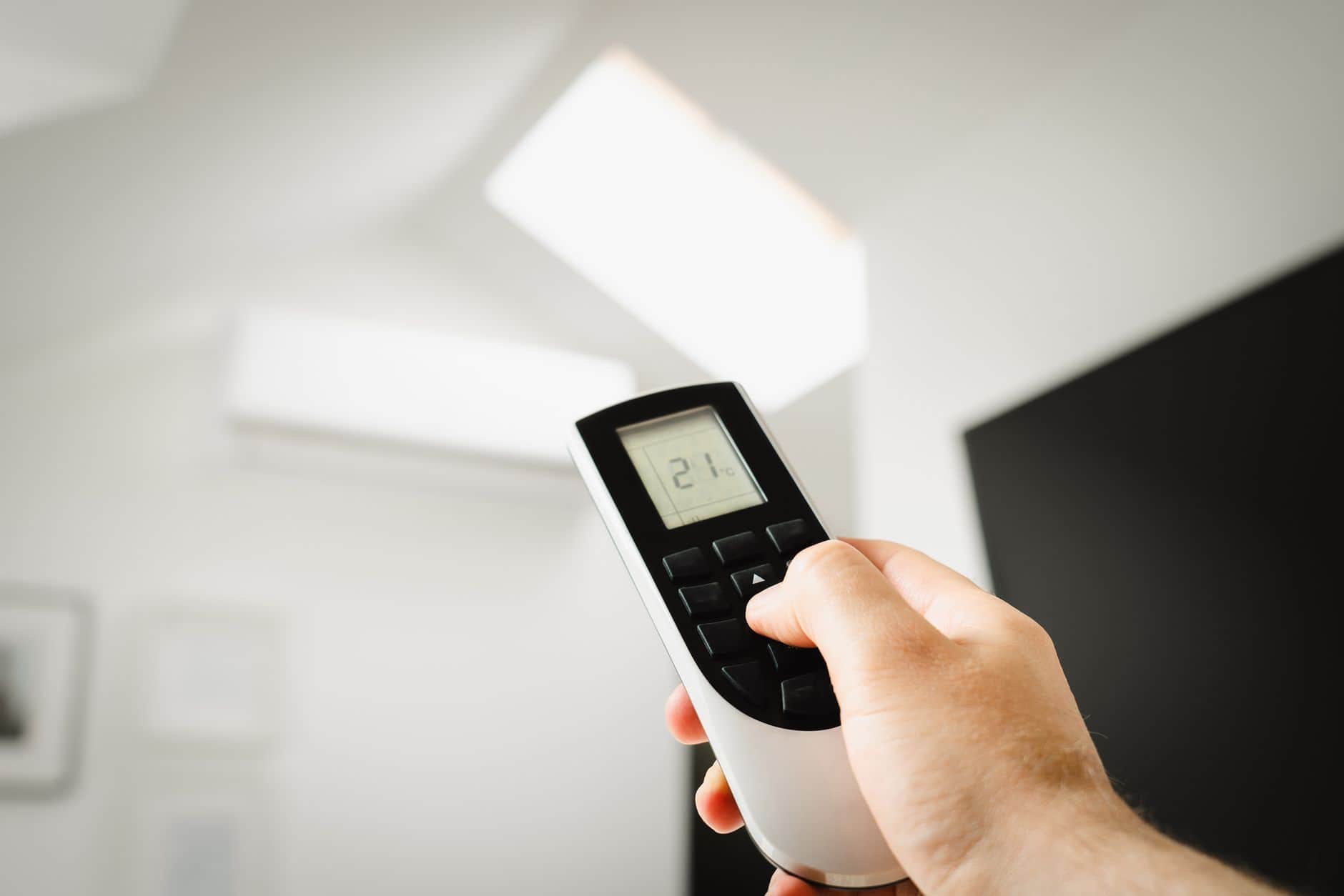
Best AC Settings for Samui's Humidity: Dry Mode vs Cool Mode
Most people on Koh Samui set the AC to 22-23°C and wonder why the room still feels clammy. The issue usually isn't the temperature — it's the humidity. Samui sits at 70-90% relative humidity most of the year, and a unit running full-blast Cool mode doesn't always pull enough moisture out of the air to make a room feel dry and comfortable.
Why Humidity Matters More Than Temperature Here
A room at 26°C and 55% humidity feels far more comfortable than a room at 22°C and 80% humidity. Cold, damp air is what makes skin feel sticky, sheets feel damp, and wooden furniture swell. Chasing a lower number on the remote often wastes electricity without fixing the actual discomfort.
When to Use Dry Mode
Dry mode (sometimes shown as a raindrop icon) runs the compressor at low speed and slows the fan, so the coil pulls moisture out of the air without over-cooling the room. Use it:
- During rainy season or on overcast, sticky days when the temperature is mild (26-29°C) but the air feels heavy
- In bedrooms at night, since it avoids the ice-cold blast that dries out your throat and still keeps the room feeling fresh
- In closed-up rooms, closets, or storage areas prone to mildew
- When you want to save power — Dry mode uses noticeably less electricity than continuous Cool mode
When to Use Cool Mode
Cool mode is the right call when the priority is actually lowering temperature fast:
- Midday heat, direct sun on the room, or after the AC has been off for hours
- Living rooms and kitchens during the day when more people and appliances add heat
- Any time the room temperature itself, not just the stickiness, is the problem
A Practical Setting for Samui Homes
For most bedrooms and living spaces here, 25-26°C on Cool mode with the fan on medium gives a comfortable, energy-efficient result — cooler settings rarely add real comfort, they just add cost. If the room still feels damp at that temperature, switch to Dry mode for an hour rather than dropping the thermostat further.
If your unit has a humidity readout or you use a separate hygrometer, aim to keep indoor relative humidity between 50-60%. Above 60%, mold and dust mites become far more likely, especially in villas near the beach or homes that sit empty for stretches between guests.
Signs Your Unit Can't Keep Up With Humidity
If a room still feels muggy no matter which mode you use, the problem often isn't the setting — it's the unit itself. Common causes:
- A dirty filter or coil restricting airflow, so the unit can't process enough air to dehumidify properly
- Low refrigerant, which reduces both cooling and moisture removal
- A unit that's oversized for the room, which cools the air quickly but shuts off before it has time to remove humidity (short-cycling)
- Clogged drainage, causing water to back up instead of draining away
A proper clean and inspection usually resolves the first two. If the unit is short-cycling due to sizing, that's worth discussing before your next installation.
Quick Reference
- Sticky but not hot: Dry mode
- Genuinely hot: Cool mode, 25-26°C
- Bedroom at night: Dry mode or Cool at 26°C, medium fan
- Still damp after both: get the unit checked, not just the thermostat
If you're unsure which mode suits your space, or the room stays humid no matter what you try, book a technician for a check — same-day visits are common across Samui, and we can tell you quickly whether it's a settings issue or a maintenance one.